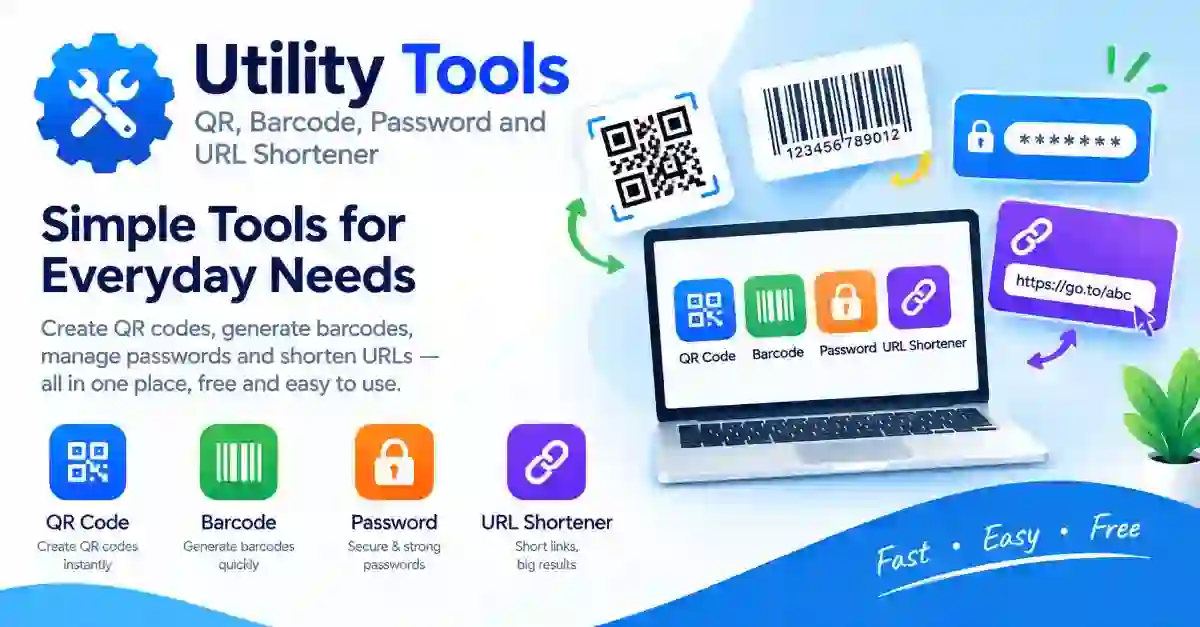
Some jobs are small but come up all the time. You need a QR code for a poster, a barcode for a product label, a strong password for a new account, or a shorter link for a message.
These utility tools take care of those jobs in seconds. They are free, need no account and run in your browser on any modern device.
Each tool does one job well. Use the table to find the right one.
| Task | Use It When |
|---|---|
| QR Code Generator | You want people to scan a link, text or contact details with a phone |
| Barcode Generator | You need a barcode for a product, a shelf label or an inventory list |
| Password Generator | You want a strong, random password for a new account |
| URL Shortener | A long link needs to be shorter for a message, a post or a printout |
A QR code is a square pattern that a phone camera reads in a moment. The format was created by Denso Wave in Japan for tracking car parts, and it later became common for menus, tickets and payments.
Print size and contrast decide whether a code scans. Use dark modules on a light background, leave a quiet zone of empty space around the code, and test it on two phones before printing a batch.
QR codes include error correction, which lets a scanner read a code even when part of it is dirty or damaged. Higher levels allow a small logo but make the pattern denser.
A barcode turns a number or short code into stripes that a scanner reads. Retail products commonly use EAN-13 or UPC, while Code 39 and Code 128 suit labels and inventory.
Choose the format your scanner or marketplace expects. Print the barcode large enough, keep the quiet zone clear and test it with the scanner you will use, because a code that looks right may still fail in low light.
Weak passwords are a common reason accounts are broken into. A generator removes human habits such as pet names and birthdays, and creates random strings that are hard to guess.
A URL shortener turns a long web address into a short one. Short links fit better in messages, printed flyers and spoken announcements.
Shortened links hide the destination, so treat unknown ones with care. When you share one, tell people where it leads so they can trust it. A custom slug, such as your brand name, is easier to trust than a random string.
Both carry a web address, but they suit different places. A short link works where people read or click, such as a message, a caption or a website.
A QR code works where people see but cannot click, such as a poster, a shop window or a printed flyer. You can use both together, and show a short link beside the code for people who prefer typing.
These tools run in your browser. Entered text and generated results stay on your device unless the tool says otherwise. Nothing is uploaded to a server for a QR code, a barcode or a password.
A short link is different, because the service must store the address and the short code so it can redirect later. Read the shortener's privacy note before shortening a private or sensitive link.
These utility tools are free and need no account. They are quick, simple and work on any modern device.
Bookmark the utility tools you use most, and your next quick job is only a click away.
Small jobs should take small effort. Pick the tool, enter the details, check the result, and move on. Test every code and link before you print or publish it, and keep the originals safe.