
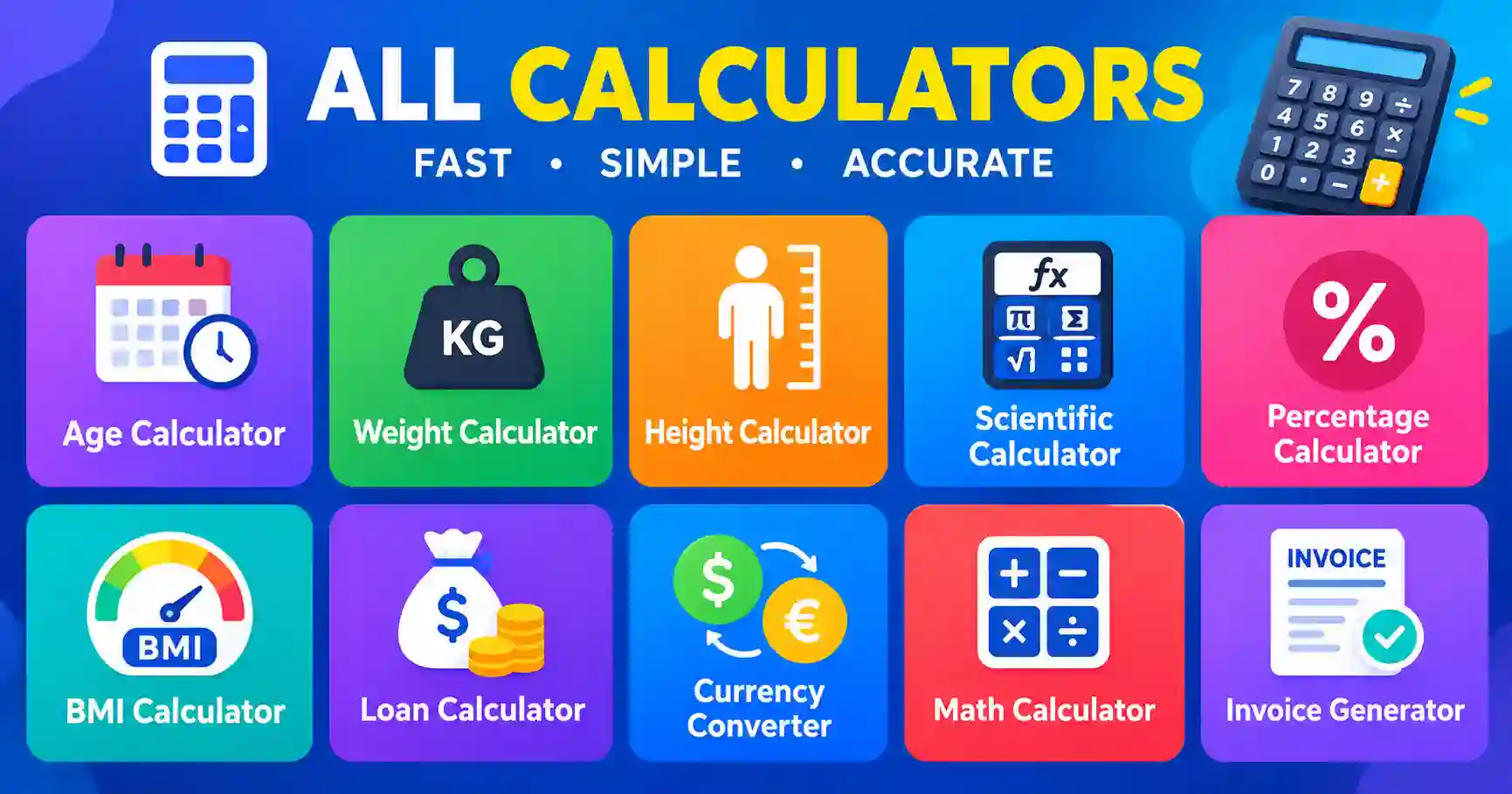
Most of us do small sums all day. We split a bill, check a discount, compare loan offers or work out an age from two dates.
Online calculators turn these jobs into a few taps, so your attention goes to the decision instead of the arithmetic.
Each calculator answers one question. Use the table to pick the right one.
| Task | Use It When |
|---|---|
| Percentage Calculator | You need a discount, a tip, a share of a total or the change between two values |
| Age Calculator | You need an exact age or the length of time between two dates |
| BMI Calculator | You want a quick body mass index from height and weight |
| EMI Calculator | You want to estimate a monthly loan payment before you apply |
| Scientific Calculator | You need powers, roots, logarithms or trigonometry |
| VAT Calculator | You need to add tax to a price or take it out |
Enter your numbers in the fields the tool provides, and the answer updates as you type or when you press the button. Copy or write down the result if you need it later.
If an answer looks wrong, check the units first. A centimetre is not an inch, a year is not a month, and a tax rate entered as 20 is not the same as 0.20. A small mismatch in the input explains most surprises.
Numbers feel authoritative, so remember what they are. A BMI figure is a screening measure, not a diagnosis, and it does not account for muscle mass or body shape. An EMI figure is an estimate, and the real payment depends on the lender's fees, rate and terms.
Use the result to ask better questions: Is this loan within my budget? Does this discount make the purchase worth it? Then confirm the important details with a professional where it matters.
A few seconds of checking catches most mistakes.
Two calculators can show 12.35 and 12.36 for the same sum. The usual cause is rounding. One tool rounds to two decimals, another keeps more, and the visible difference is often a single cent or a single digit in the last place.
Computers add a second cause. Most of them store decimals in binary, so a sum such as 0.1 plus 0.2 can come out as 0.30000000000000004 before it is rounded. When you compare results, set the same number of decimal places first. A difference in the last digit rarely matters; a difference in the first digit always does.
A calculator is best for one quick answer. You enter a few numbers, read the result and move on. There is no setup, no formula to write and nothing to save.
A spreadsheet is better when you have many rows, want to keep records or need to see every formula. If the same calculation repeats for many items, a spreadsheet earns its place. If it is a one-off sum, a calculator is faster.
Students can use online calculators as a second opinion. Work the problem on paper first, then compare your answer with the tool. When the two disagree, work through the steps again. The mistake usually hides in one step, and finding it teaches more than the answer itself.
A result is more than one number. Before you act on it, look at what the tool tells you about how it got there.
These calculators are free and need no account. They run in your browser, so your numbers stay on your device and the result appears in seconds.
Bookmark the calculators you use most, and your next sum starts with a single click.
A calculator saves time only when the inputs are right and the result is checked. Enter the numbers with care, test the answer with a quick estimate, and the sum is done in seconds. Pick the calculator that matches your question, and bookmark the ones you use often.