
Image to Base64 Converter Online – Encode Images Instantly
Unlock the potential of your web applications and reduce server load by utilizing our advanced Image to Base64 Converter.
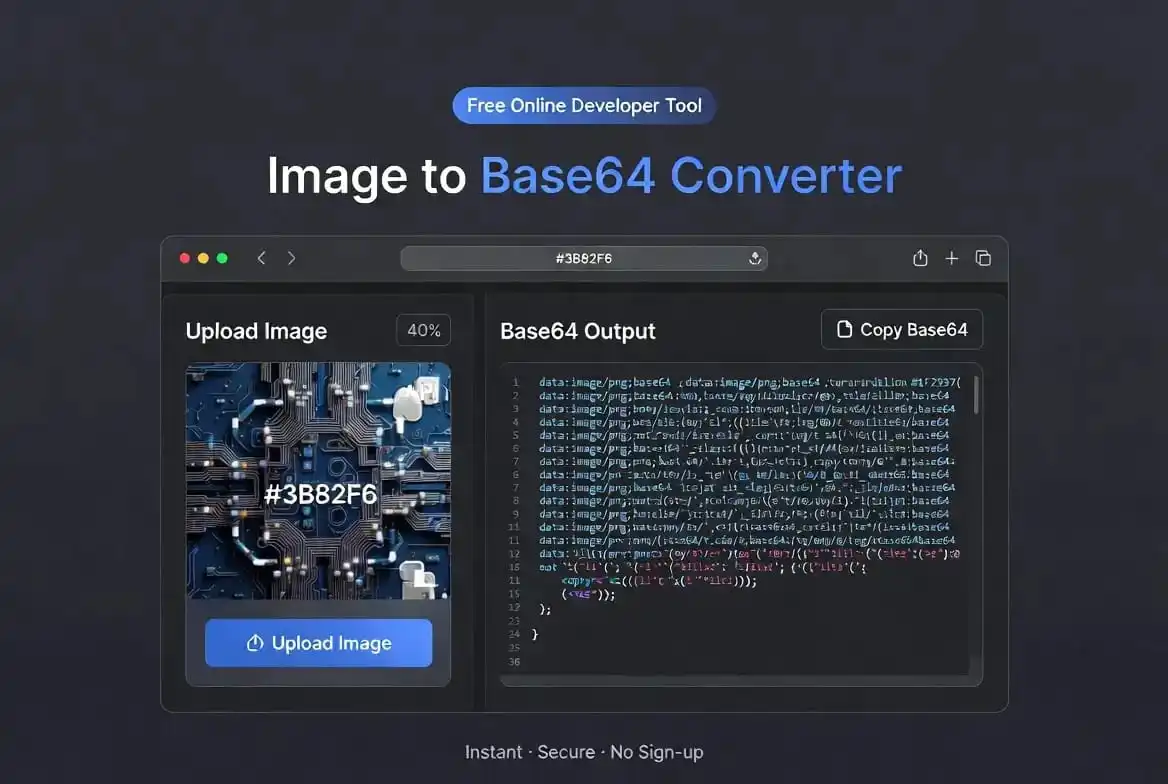
⚡ Image Encoder Engine
Drag & Drop Image File
Understanding the Power of an Image to Base64 Converter
In the digital landscape where page speed is a primary ranking factor, every byte transferred between the server and the browser matters. An Image to Base64 Converter is an essential tool for developers aiming to optimize the critical rendering path. Base64 encoding is a process that converts binary data, such as images, into a text-based ASCII format. This text string can be embedded directly into HTML or CSS files, eliminating the need for a browser to establish a new TCP connection for each small icon or logo.
Our tool provides a secure, client-side environment for this transformation. When you use an Image to Base64 Converter, you are choosing to inline your visual assets. This means that instead of the browser seeing a file path, it sees the actual image data in a coded format. This technique is widely used by front-end engineers to ensure that UI elements like arrows, social media buttons, and loading spinners appear instantly, providing a smoother experience for the end-user. By removing external dependencies, you also improve the portability of your code, making it easier to share standalone HTML prototypes.
The science of encoding relies on a radix-64 representation. This scheme translates every three bytes of binary data into four six-bit groups. Each group is then mapped to one of the 64 characters in the Base64 alphabet. While this increases the data size by approximately 33%, the trade-off is often worth it for small assets. The overhead of a traditional HTTP request—including DNS lookup, SSL handshake, and header transmission—often takes more time than downloading the slightly larger encoded string. This is why professional developers integrate our tool into their daily asset management workflow.
The Technical Evolution of the Image to Base64 Converter
Historically, web developers had to manually write scripts to convert files into strings. However, our modern Image to Base64 Converter has simplified this process significantly. By using the FileReader API in modern browsers, we allow you to drag and drop files and receive the output in milliseconds. This evolution in tooling has made resource inlining accessible to everyone, from junior designers to senior full-stack engineers. The ability to handle multiple formats like PNG, JPEG, and WEBP ensures that your project maintains the highest visual fidelity while benefiting from modern encoding standards.
When examining the relationship between DOM parsing and resource loading, the role of encoding becomes fundamentally critical for high-traffic sites. Modern browser engines execute multiple parallel threads, yet each external image necessitates a unique TCP handshake. In high-latency environments, this creates a bottleneck known as head-of-line blocking. By utilizing a professional-grade encoder to inline your assets, you are effectively bypassing the traditional request-response cycle.
This technical strategy is particularly advantageous for Single Page Applications (SPAs) built on React or Vue. It allows developers to deliver a self-contained bundle that functions regardless of server directory structure. Furthermore, encoding images provides a robust solution for transmitting binary objects through text-based protocols like JSON in RESTful API architectures. While the computational cost of decoding is minimal, the strategic implementation results in a measurable decrease in Time to Interactive (TTI).
Furthermore, this method prevents cumulative layout shifts (CLS). When external images load asynchronously, they often displace surrounding text elements, leading to a poor user experience. By using encoded strings, the data is available at the moment of parsing, ensuring the layout remains stable. This stability is a key metric in Google’s Core Web Vitals, making our tool a hidden gem for SEO specialists who want to fine-tune their site’s performance scores beyond just content optimization.
Strategic Use Cases for Developers
Where exactly should you apply the output of our tool? One of the most popular areas is within HTML email development. Email clients often block external images as a security measure. However, by using an Image to Base64 Converter to inline your branding assets, you can ensure that recipients see your logo and call-to-action buttons the moment they open the message. This bypasses the “Download Images” prompt and significantly boosts conversion rates for marketing campaigns and transactional emails.
Another strategic area is CSS development. Background textures and UI icons can be embedded directly into your .css files. This ensures that your styles and visuals load as a single unit. For detailed documentation on how browsers handle these inline resources, you can consult the official MDN Web Docs. This resource explains the URI scheme that makes this possible. By following these industry standards, you ensure that your code is clean, valid, and compatible with all modern browser versions across mobile and desktop platforms.
Security is also a major consideration. When you use our client-side encoder, your data remains in the browser’s memory. This is a massive advantage over server-side converters where your images might be logged or stored. Professional agencies handling sensitive client data trust our Image to Base64 Converter for this very reason. Whether you are building an internal company dashboard or a public e-commerce site, keeping your assets local during the development phase is a best practice that prevents accidental data leaks or unauthorized access to proprietary visuals.
For those interested in high-end design, Smashing Magazine often features articles about the impact of visual stability and page speed on user psychology. They highlight how a fast-loading interface builds trust. Our tool helps you achieve this by minimizing the “flicker” effect that occurs when images load half a second after the text. When you inline assets, they render in perfect sync with the rest of your document, providing a professional and polished feel that users associate with high-quality brands and reliable services.
Maximizing Performance with Modern Web Standards
As web standards continue to evolve, the W3C keeps updating how browsers should optimize data handling. You can read more about the latest standards on the W3C Official Website. Our tool stays updated with these standards to ensure the strings generated are optimized for the latest rendering engines. Using the correct MIME type prefix—like data:image/png;base64,—is automatically handled by our system, so you don’t have to worry about the technical details of header formatting.
We recommend a “threshold-based” approach to encoding. For assets smaller than 5KB, encoding is almost always a win for performance. For assets between 5KB and 10KB, it depends on the user’s typical network speed. For anything larger, external files are usually better because the browser can cache them separately. By mastering this balance, you become a more effective developer who understands the nuances of the “Mobile First” era, where cellular latency can make or break an application’s success in the global marketplace.
Boost Your Efficiency Now
Stop dealing with broken image links and slow server requests. Join thousands of developers who use our tool for their daily projects.
Frequently Asked Questions
Final Thoughts on the Image to Base64 Converter
In conclusion, the Image to Base64 Converter provided by PixaPDF Tools is a cornerstone of modern web performance optimization. By bridging the gap between binary data and ASCII text, it gives developers a powerful way to streamline their asset delivery. We hope this tool helps you build faster, more secure, and more stable websites. Whether you are a freelance designer or part of a large enterprise team, our commitment is to provide you with the best digital utilities for free.
Mastering the Image to Base64 Converter will allow you to stay ahead of the competition and deliver world-class user experiences. Don’t forget to bookmark this page and check out our other developer tools to further enhance your workflow.
Thank you for choosing PixaPDF Tools, where we make complex tasks simple with our premium **Image to Base64 Converter**.