
Average Color Finder: One-Click Image Tool
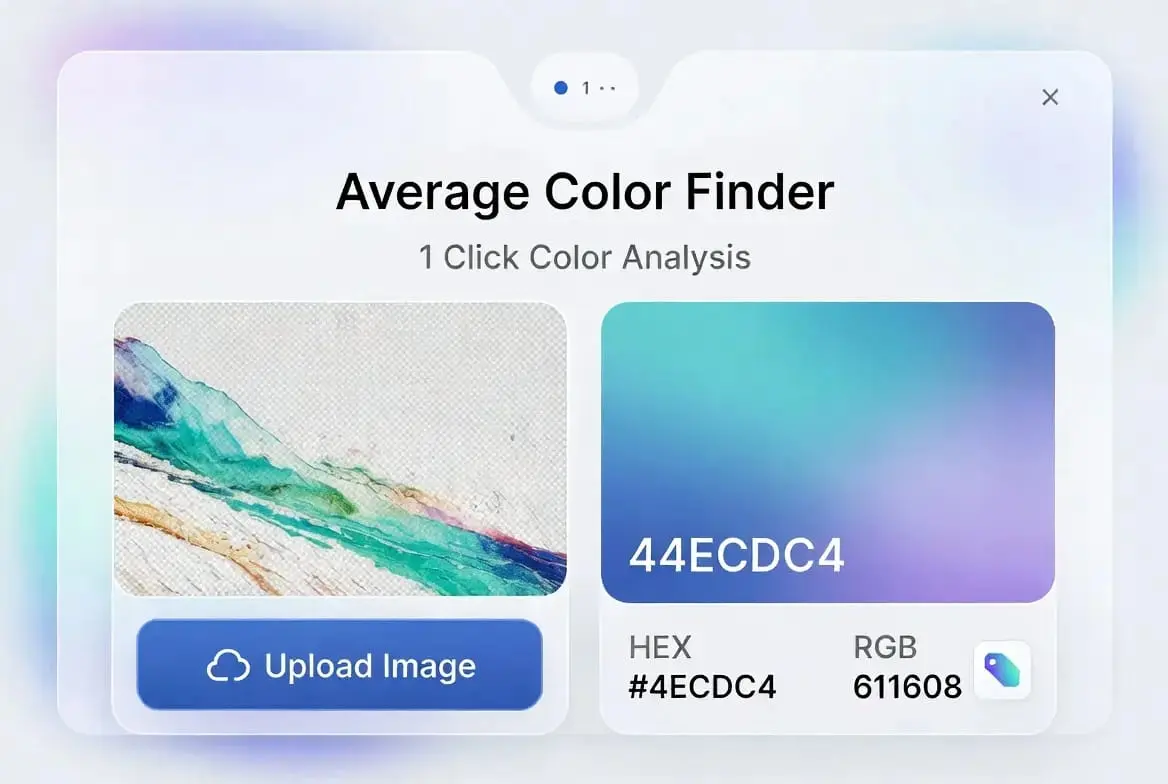
Drop your image here
or click to browse files
(JPG, PNG, WEBP, GIF supported)What Is an Average Color Finder?
An Average Color Finder reduces a whole image down to one representative color by working out the mathematical mean of every pixel in it. A photo can easily contain millions of individual pixels, each with its own shade, so instead of eyeballing “what color is this picture, roughly,” this tool reads the red, green, and blue value of every pixel and calculates the overall tone.
It’s useful any time you need one color to stand in for a whole image, such as matching a page background to a hero photo or picking a fallback color while a large image loads. If you need to pick one specific point in an image rather than a blended average, the Image Color Picker is the right tool instead.
The output is a single hex code and its matching RGB numbers, both shown together so you can copy whichever format your project needs from this Average Color Finder. A hex code like #7a6a53 works directly in CSS, inline styles, or design software, while the RGB numbers are useful when you’re working with a tool or API that expects that format instead. You don’t need to convert between the two by hand; both are calculated from the same result at the same time.
How This Average Color Finder Calculates Its Result
Every pixel in a digital image has a Red, Green, and Blue value between 0 and 255. This tool adds up every pixel’s red value, every pixel’s green value, and every pixel’s blue value separately, then divides each total by the number of pixels sampled. The three resulting numbers become the final RGB average, which is then converted into a hex code.
Reading every single pixel in a large photo would be slow, so the tool draws the image onto a small hidden canvas first, 100 by 100 pixels, which gives 10,000 sample points spread evenly across the image. That’s more than enough to get an accurate average without your browser having to churn through a multi-megapixel file.
This downscaling step happens automatically and doesn’t change your original file at all; it only affects the temporary copy used for the calculation. A 12-megapixel photo and a small thumbnail of the same image will generally produce very close, often identical, average colors, because the resized copy still represents the same overall distribution of tones as the original.
Average Color Finder vs. Dominant Color Tools
It’s easy to assume an Average Color Finder and a dominant-color tool do the same thing, but they answer different questions. The average color is a mathematical blend of every pixel, so a photo that’s mostly blue sky with a small red object in it will average out to a soft, muted blue-gray, not bright blue and not red. The dominant color, by contrast, looks for the single shade that appears most often, which in that same photo would likely just be the blue sky itself, reported as its own distinct color rather than blended with anything else.
Neither approach is “more correct”; they’re suited to different jobs. An average color is what you want for a background placeholder or a soft accent tone, since it blends smoothly with the whole image. A dominant color is better when you specifically want to know what the main subject or backdrop actually looks like, unblended. This Average Color Finder gives you both in one result: the blended average, and a short palette of the actual dominant colors detected in the image.
Why an Average Can Look Slightly “Off” on Vivid Photos
Averaging RGB values directly is simple, but it doesn’t always match how the human eye perceives brightness. A bright yellow and a deep violet can land at a similar numerical distance from black in RGB terms, yet yellow reads as far lighter to us. This is why a straight average of a very colorful image can sometimes come out looking duller or grayer than the image actually feels.
In practice this rarely causes a problem for everyday uses like backgrounds or overlays, but it’s worth knowing if the hex code you get ever looks slightly muted compared to what you expected from the source image.
Practical Ways to Use an Average Color Finder Result
- Loading placeholders: Use the average color as a background while a large image is still loading, so the page doesn’t flash white before the photo appears.
- Text readability: When placing text over a photo, the average color tells you at a glance whether white or black text will read more clearly, which matters for accessible contrast.
- Natural shadows: A shadow or glow built from a darker version of the average color looks more natural than a flat black shadow dropped under any image.
- Quick mood checks: A warm, sunny photo and a cold, overcast one will land on very different average colors, which is a fast way to spot the odd one out in a batch of images meant to feel consistent.
If the result feels too muted for your project, you can drop the hex code into the Color Palette Generator to find complementary or analogous shades built around it.
Getting the Best Results From an Average Color Finder
An Average Color Finder is only as useful as the image you feed it. A photo with a lot of empty background, like plain sky or a blank wall, will pull the average heavily toward that background color rather than the actual subject. If you want the average to reflect a product or a person rather than the surroundings, a tighter crop around the subject before uploading will give a more representative result.
Heavily filtered or color-graded images will also carry that grading into the average, which is expected but worth remembering if you’re trying to match a “natural” tone rather than a stylized one. If in doubt, running the same shot through both an edited and unedited version can show you exactly how much a filter shifted the overall color.
Using an Average Color Finder to Build Dynamic Interfaces
A common pattern in modern apps is pulling a background or accent color directly from whatever content is on screen, an album cover, a product photo, a header image, so the interface feels tied to the content rather than sitting on a fixed color scheme. This tool works the same way many of those features do under the hood, using the browser’s Canvas API to read pixel data directly in JavaScript.
If you’re building something similar and want to automate it, wiring an average-color step into your upload pipeline lets you generate matching CSS variables automatically instead of picking colors by hand for every new image.
Using an Average Color Finder for Photography and Brand Consistency
Photographers and anyone managing a batch of marketing images can use this tool the same way: as a fast, objective check on whether a photo matches the rest of the set. A shot taken during golden hour tends to average out warm and orange-tinted, while an overcast or snowy scene leans cool and blue, so running a batch through the tool and comparing the results is a quick way to spot the one image that doesn’t match before you start editing or publish a campaign.
If a photo contains something you’d rather exclude from the analysis, such as a face or a license plate, running it through the Blur Censor Image tool first still leaves the rest of the image intact for an accurate average. For product photography specifically, an inconsistent background will skew the result toward the backdrop rather than the product itself; the Background Remover tool clears that out first so the average reflects the product.
Troubleshooting This Average Color Finder
The result looks nothing like the image. This usually means the photo has a lot of background that’s pulling the average away from the subject, as described above. Try a tighter crop of just the part of the image you care about.
Nothing happens after clicking “Generate Now.” Make sure an image has actually finished loading into the preview box first; the button needs a loaded image to work from. If the file is unusually large, give the browser a moment to finish reading it before clicking.
The copy button doesn’t seem to work. Some browsers block clipboard access on pages that aren’t loaded over a secure connection, or when a site is opened in certain restricted browser modes. If copying fails, the hex code is still shown on screen and can be selected and copied manually.
Your Images Stay on Your Device
This Average Color Finder never uploads your image anywhere. The file is read and processed entirely in your browser using JavaScript and the Canvas API described above; nothing is sent to a server for the color calculation. That also makes it fast, since there’s no upload or download step involved, just the processing time your device needs.
This matters if you’re working with something you’d rather not put on a server at all, a personal photo, an unreleased product shot, or an internal design file. Because the whole process happens locally, closing the browser tab clears the image from memory; there’s no account, no file history, and nothing left behind to manage or delete afterward.
A Quick Alternative to Opening Design Software
Opening Photoshop or GIMP just to pull one hex code from an image is a lot of overhead for a small task. Keeping this Average Color Finder in a browser tab is faster for the one-off cases: checking a color before a meeting, matching a background quickly, or sanity-checking a batch of photos.
It’s also a reasonable first step before jumping into heavier design software. Once you know the average tone of an image from this Average Color Finder, decisions like which background to pair it with, or how much contrast a piece of overlay text will need, become much easier to make quickly rather than guessing and adjusting after the fact.
Frequently Asked Questions
Can I find the average color of a GIF?
Yes. The tool reads the first frame of an animated GIF to calculate the average color.
How many pixels does the tool analyze?
The image is sampled on a 100 by 100 grid, which works out to 10,000 data points spread across the photo, enough for an accurate average without slowing down your browser.
Does it work on mobile?
Yes. The layout and upload flow both work on phones and tablets as well as desktop browsers.
Does it handle transparent images?
Yes. Fully transparent pixels are excluded from the calculation, so only the visible parts of an image affect the final average.
Is this tool free to use?
Yes, with no limit on how many images you check.
What’s the difference between this and a dominant color tool?
An average color blends every pixel together into one soft tone, while a dominant color tool reports several distinct shades that actually appear in the image. This tool now gives you both: the single blended average, plus a short palette of dominant colors shown as separate swatches.
Will a resized copy of the same image give a different result?
Usually not by much. The tool already works from a small resized copy internally, so a smaller version of the same photo typically produces a very close, often identical, average.
Can I use the result commercially?
The hex and RGB values from this Average Color Finder aren’t owned by anyone; a color code isn’t copyrightable. Just make sure you have the rights to the image you upload in the first place.