
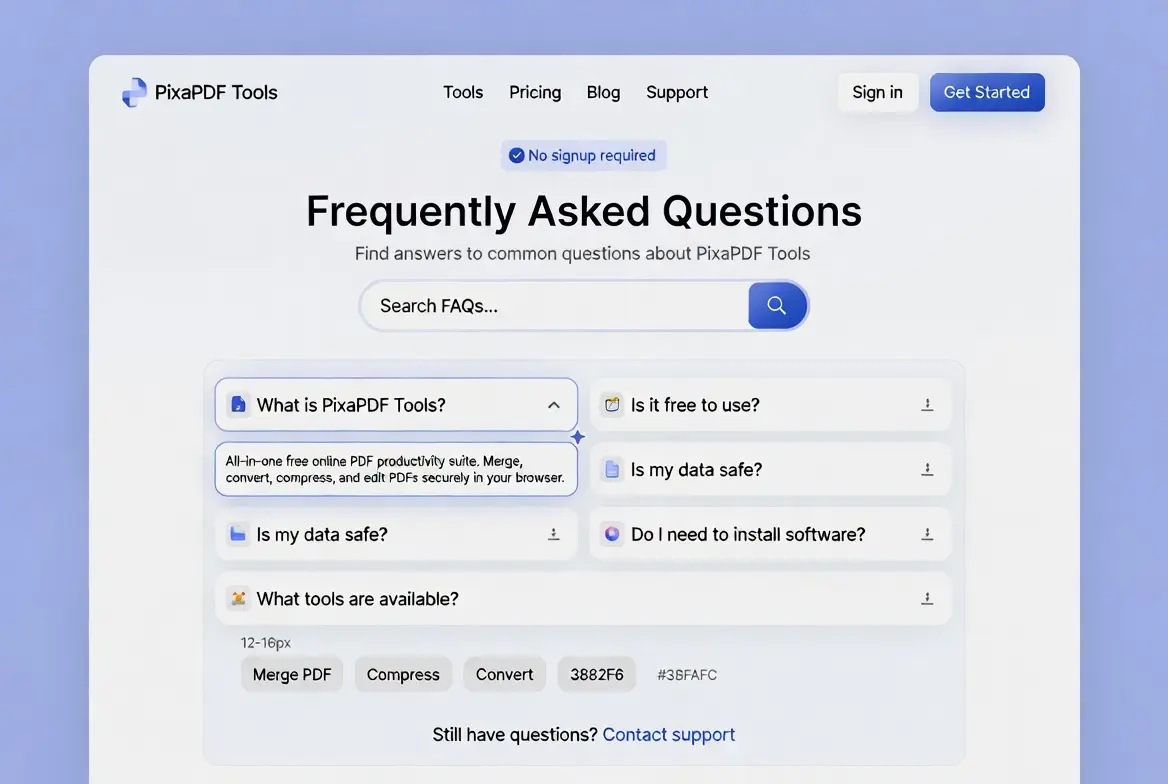
These FAQs cover the questions people actually ask us about PixaPDF Tools, our free platform of 50+ browser-based tools for PDFs, images, text, and everyday utilities. These FAQs are grouped by topic so you can jump straight to the section you need. If your question isn’t answered below, the fastest way to get a real answer is our Contact Us page.
General FAQs
These general FAQs are a good starting point if you’re new to the site.
What is PixaPDF Tools?
PixaPDF Tools is a free, browser-based platform with 50+ tools for working with PDFs, images, and text, plus a handful of everyday utilities. Nothing requires installation; every tool runs directly in your browser.
Is PixaPDF Tools really free?
Yes. Every tool on the site is completely free, with no premium tier, no credit card, and no hidden charges. The site is supported by non-intrusive advertising rather than subscriptions.
Do I need to create an account?
No. None of our tools require registration, login, or any personal details. You can start using any tool the moment you open the page.
Does PixaPDF Tools work on mobile devices?
Yes. The interface is responsive and works the same way on a phone or tablet as it does on a desktop browser, so you can process a file on the go without extra steps.
FAQs About PDF Tools
These FAQs about PDF tools cover the questions we hear most often about merging, splitting, and compressing documents.
What can the PDF tools do?
You can merge multiple PDFs into one file, split a large PDF into smaller sections, compress a PDF to reduce its size, convert between PDF and other formats, rotate pages, and make basic edits, all without installing desktop software.
Will compressing a PDF ruin the quality?
Compression involves a trade-off between file size and quality. Lighter compression keeps more detail but produces a larger file; heavier compression shrinks the file further but can soften image quality inside the document. For anything you plan to print, it’s worth comparing a couple of compression levels before settling on one.
Is there a file size limit for PDF tools?
Most tools handle files up to 20 MB. If you’re working with something larger, removing unused pages or images before uploading is usually the fastest way to bring it under that limit. You can browse all the PDF tools here.
FAQs About Image Tools
If you’re working with photos or graphics, these FAQs should cover the basics.
What image formats are supported?
Our image tools work with common formats including JPEG, PNG, and WEBP, covering resizing, compression, and converting between formats. You can see the full list under Image Tools.
Which format should I use for my website?
JPEG works well for photographs, PNG is the better choice when you need a transparent background or crisp text in an image, and WEBP generally offers smaller file sizes than either at a similar quality level, which can help a page load faster.
Will resizing an image distort it?
Only if the width and height are changed independently. Keeping the original aspect ratio when you resize is what prevents an image from looking stretched or squashed.
FAQs About Text Tools
These FAQs apply to anyone using the paraphrasing, word count, or grammar tools.
What can the text tools help with?
The text tools cover everyday writing tasks like paraphrasing a passage, counting words and characters, and checking basic grammar, useful for students, bloggers, and anyone tidying up a draft.
Will a paraphrasing tool guarantee original content?
It can help you rephrase a passage in different words, but it’s still worth reading the result yourself to make sure it says exactly what you intend. Treat it as a starting point rather than a final answer, especially for academic or published work.
FAQs About Utility Tools
These FAQs round up questions about the smaller day-to-day tools on the site.
What utility tools are available?
Alongside PDF, image, and text tools, PixaPDF Tools includes small everyday utilities such as a QR code generator, unit converters, and basic calculators.
Can I use these tools for business or client work?
Yes. There’s no restriction on using the free tools for personal, academic, or business tasks, as long as your use follows our Terms and Conditions.
FAQs About Privacy and Security
These are the FAQs we get asked most before someone uploads a sensitive file.
What happens to the files I upload?
Files are processed automatically to complete your request, then deleted from our servers within 24 hours, usually much sooner. No one at PixaPDF Tools views the contents of your files, and no backups are kept.
Is it safe to upload sensitive documents?
Data is encrypted in transit between your browser and our servers, and files are deleted quickly after processing. That said, no system connected to the internet is ever 100% risk-free, so we’d suggest avoiding highly sensitive files if you have an offline alternative available. Full detail is in our Privacy Policy.
Do you sell or share my data?
No. We don’t sell personal information or uploaded files to anyone. Our Privacy Policy covers exactly what data is collected and why.
FAQs About Getting Help
These last few FAQs cover what to do when something doesn’t go as expected.
What if a tool doesn’t work correctly?
Most issues come down to file size or an unsupported format. If a tool still isn’t working after checking those, reach out through Contact Us with the tool name and, if you can, a screenshot of the problem.
How fast do you reply?
We aim to reply within 24 to 48 hours by email. There’s no live chat or phone line right now; every message is read and answered personally.
Can I suggest a new tool?
Yes, and we mean it. A good number of existing tools started as a suggestion sent through Contact Us.
A Note on How Processing Works
Outside the scope of these FAQs, it’s worth knowing a bit about how processing actually works. For most simple operations, files are processed using standard web technology directly related to the task, whether that’s a PDF library for merging documents or an image codec for resizing a photo. If you’re curious about the format itself rather than our tools, the W3C’s CSS specifications and the wider set of open web standards they maintain are a good starting point for anyone who wants to understand what’s happening under the hood of a modern browser.
Related Pages
These FAQs are written and kept current by the person who actually builds and runs PixaPDF Tools, based on real questions that come in through Contact Us. If an answer in these FAQs is out of date or unclear, let us know at info@pixapdftools.com.